
Risk controls
What stops an order you did not expect?
Put explicit limits around automated execution and make control events visible for review.
Set boundaries before live use
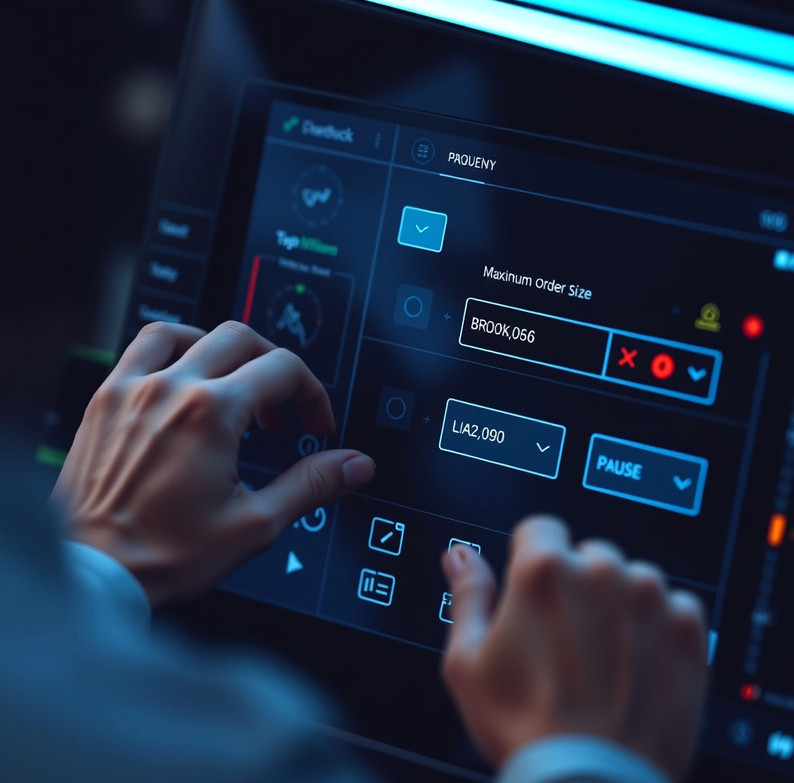
Risk-control configuration covers limits such as maximum order size, permitted instruments, duplicate-order checks and conditions that pause new submissions. We start by documenting the limits you choose, then test how the workflow responds to allowed and blocked orders. A straightforward setup generally takes several working days alongside strategy configuration. You receive a control summary and test record showing the conditions exercised. These controls can reduce certain operational mistakes, but they cannot prevent losses, slippage, outages or unexpected market behaviour.
Where controls help, and where they cannot
For you if…
You want an order-size ceiling checked before a request reaches the broker.
You need a visible pause when a connection or configured condition changes.
You can review alerts and decide when to resume execution.
Not for you if…
You expect a control to make a trading strategy profitable.
You cannot supervise the account during periods when the strategy is active.
You need protection from every possible price movement or broker failure.
The decision remains with the account holder
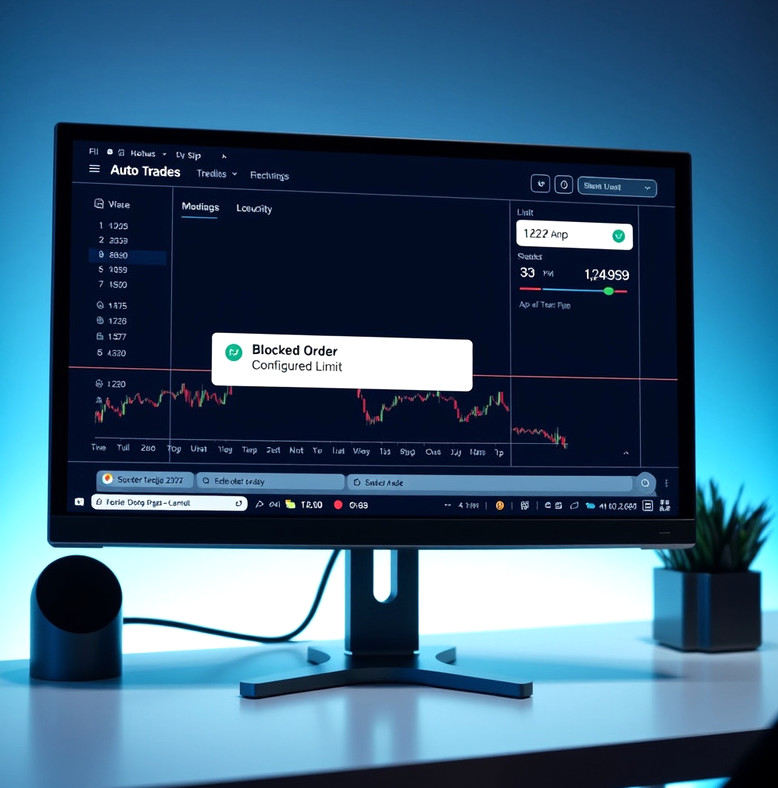
A control is only as useful as its configuration and the information available when it runs. Broker-side restrictions may also differ from platform-side checks, so we identify which system applies each limit. If an alert appears, the dashboard can show the related event, but you decide whether to investigate, change a rule or keep execution paused. We do not monitor your account as a discretionary manager. Review control settings whenever you change instruments, order sizes or broker permissions.
Review limits and stop events
Want to examine your proposed limits?
Outline the orders you intend to allow and the conditions that should pause them.
Discuss controls