Check connection status
Confirm that the dashboard and broker both show the expected account state before relying on incoming strategy signals.
Monitoring dashboard
Follow signals, broker replies and alerts in a dashboard built for active oversight.
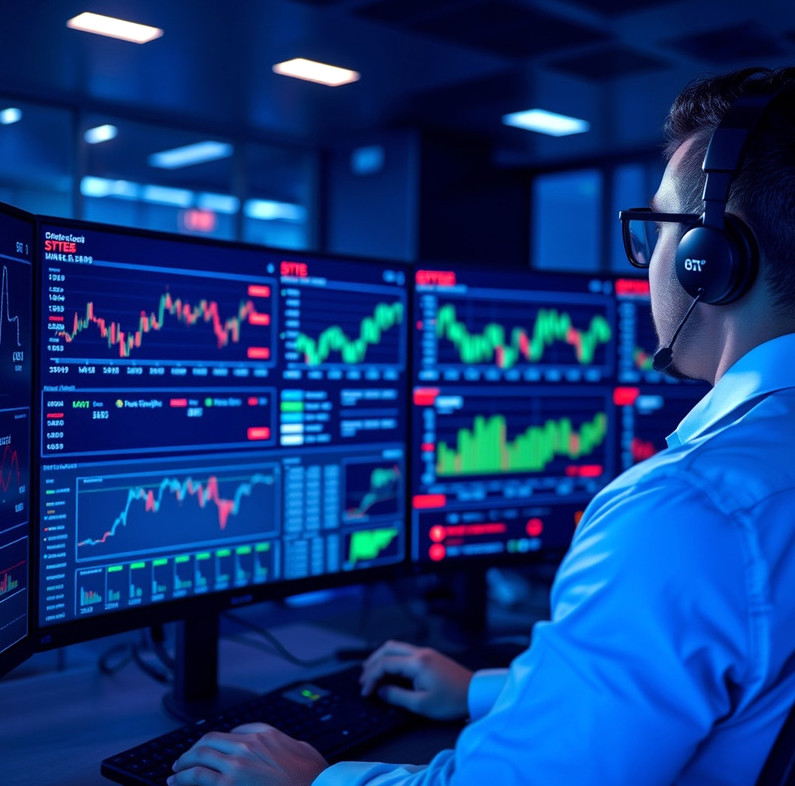
The monitoring dashboard presents connection status, strategy signals, submitted orders, broker responses and configured alerts in one event trail. During setup, we connect the relevant workflow feeds, select alert conditions with you and check that test events appear as expected. This usually takes several working days after the underlying strategy and broker connection are configured. You receive a dashboard view, alert settings summary and walkthrough of common event states. Monitoring makes activity easier to inspect; it does not replace checking the broker account itself.
Confirm that the dashboard and broker both show the expected account state before relying on incoming strategy signals.
Inspect the broker response and original request together; a rejection can reflect permissions, instrument details or account conditions.
Identify which configured condition stopped submissions and decide whether the situation calls for a rule change or continued pause.
Compare dashboard events with the broker's account record, especially after an interruption or a change in access.
An alert can draw attention to a condition the system detects, but delivery depends on the underlying services and the contact details you maintain. It cannot interpret every market event or make a judgement about whether trading should continue. The dashboard is therefore suited to people who can check their account and respond when something looks wrong. If you need a person to make trading decisions or supervise an account on your behalf, this tool is not a substitute for that service.
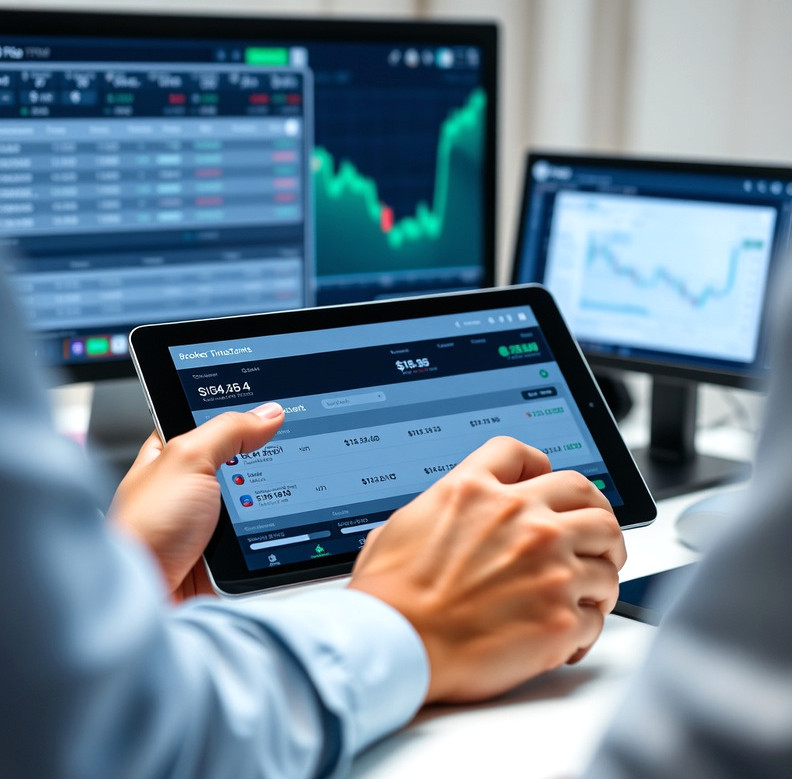
Tell us which signals, broker responses and alerts you need to inspect.
Discuss monitoring